
Cleaning up Overlapping Traces
Optionally, you can clean up overlapping traces. The traces will automatically get converted to planes. This process takes some time, and you have the option to undo the results, if required.
- Click Advanced > Clean Up Overlapping Traces.
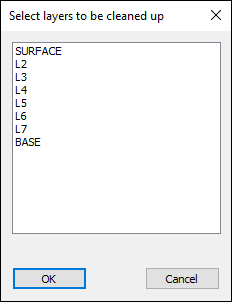
- Select the layers in which you want to clean up traces. You can select multiple layers using the Ctrl and Shift keys.
- Click OK.
The Select layers to be cleaned up window appears.
All traces in the selected layers are converted to planes.