
Searching Padstacks
Use the Search Parameters area of the Padstack Editor to find specific padstacks.
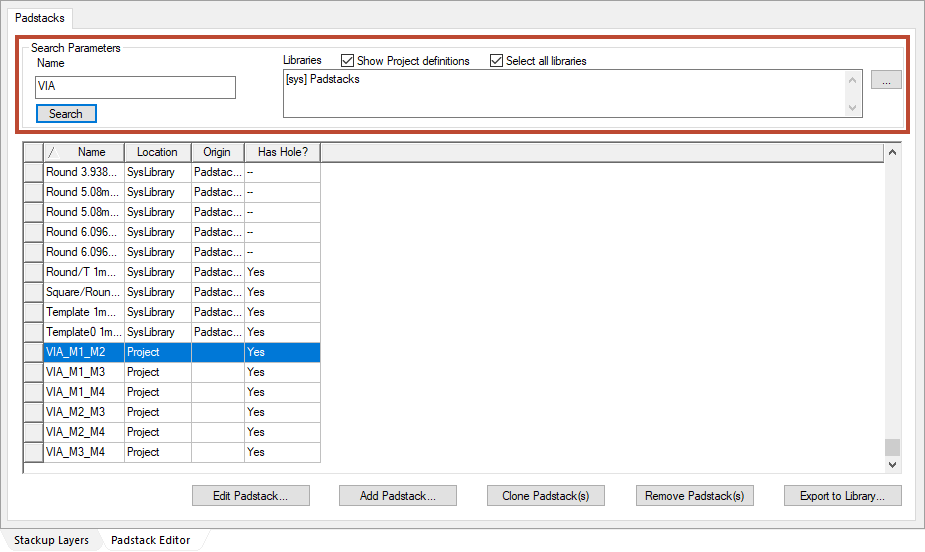
To find a padstack:
- Click the ellipses button (...) to select one or more libraries from the list at the right.
If appropriate, enable the Select all libraries check box to view padstacks in all available libraries.
- From the Name field, type a search query.
- Click Search.
The list of padstacks scrolls to where the search is found, and highlights the first row meeting the search criteria.