Using Reduce Matrix > Join Selected Terminals
The Join Selected Terminals reduction lets you connect two or more source terminals which are then treated as if they were a single object. This operation does not unite sources across nets.
To join terminals:
- Click Q3D Extractor > Reduce Matrix > Join Selected Terminals.
The Reduce Matrix - Join Selected Terminals window appears, with a list of sources in the left pane.
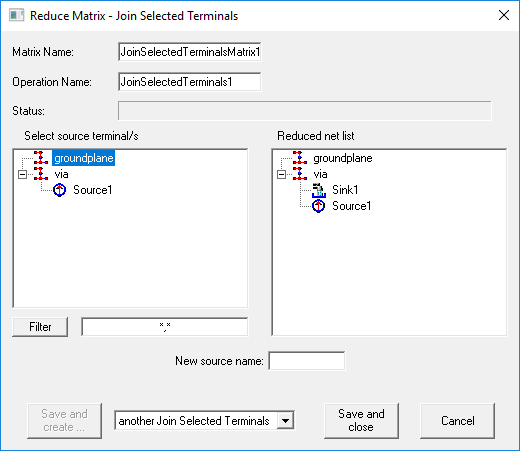
- Select the terminals you want
to join. As soon as you click a source, it is removed from the terminal list and added to the Reduced Net List.
Tip:
Press Ctrl+A to select all terminals.
- If you have a long list of terminals, you can filter the list by entering search criteria and clicking Filter. Use multiple search criteria with a comma separator (for example, "Redsource*, BlueSource*").
- Enter a New source name. This name should be unique.
- Click one of the following:
- Save and Create to save and leave the Reduce Operation window open to add an additional operation. You must select the next operation from the drop-down menu before clicking this button.
- Save and Close to save the current operation and close the window.
- Cancel to close the window without making changes.
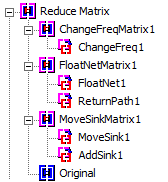
Operations that have been performed appear in the Project Manager: