Shortcut Menus in the Project Manager Window
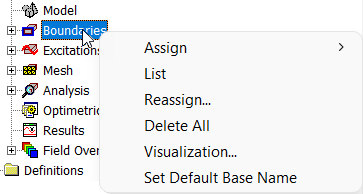
Each node, or item, in the project tree has a shortcut menu. For example, from the Boundaries shortcut menu, you can assign
boundaries to selected entities; list previously assigned boundaries for the active design and review their
information; access the Reassign Boundary dialog box; remove all boundary assignments; control the
visualization options (that is, show or hide a boundary's geometry, name, or vectors); and access the Set
Base Boundary/Excitation Name dialog box.
Other nodes have shortcut menus appropriate for the context.
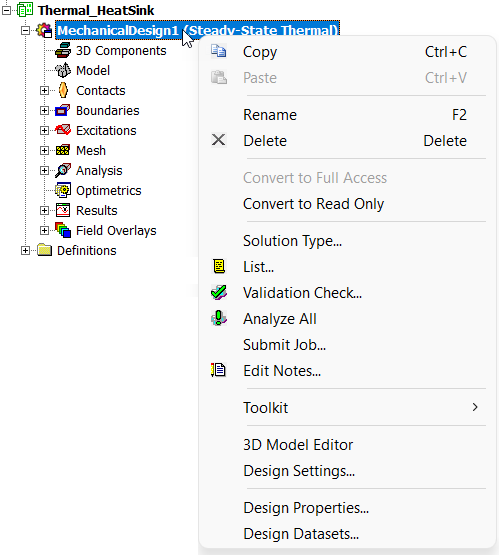
For example, the following figure shows the shortcut menu when you right-click the design.