
RMxprt Example Part 6: Output Design Data for Further Analysis
To analyze the model further:
- Select RMxprt > Analysis Setup > Create Maxwell Design.
- For Type choose to create either a Maxwell 2D Design, or a Maxwell 3D Design.
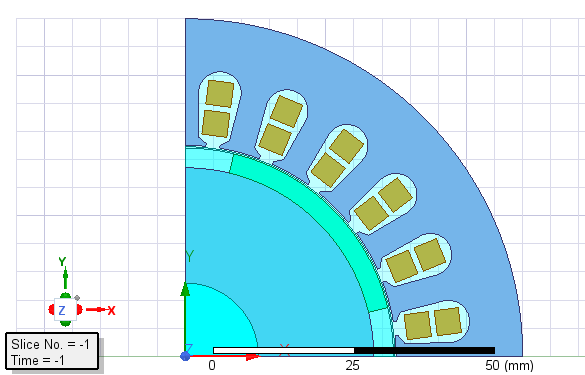
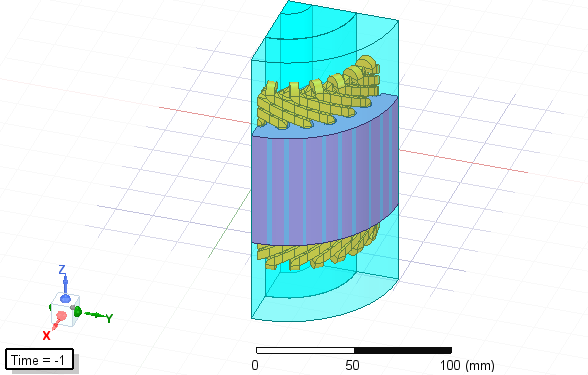
- Click OK to create the Maxwell design. Examples of the resulting 2D and 3D designs are shown below.
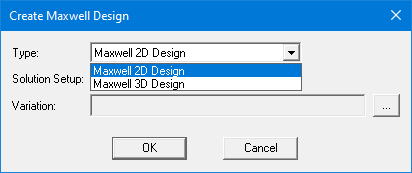
In the example design there is only one Solution Setup and no design Variation.
Note: You can also export the model to a Simplorer model, a MotorCAD™project, or Customized Design Sheet.