Electrical Steel Core Loss from Multi-Frequency Loss Curves
With the Core Loss Type set to Electrical Steel:
- Select Core Loss versus Frequency from the Calculate Properties for: drop-down menu.
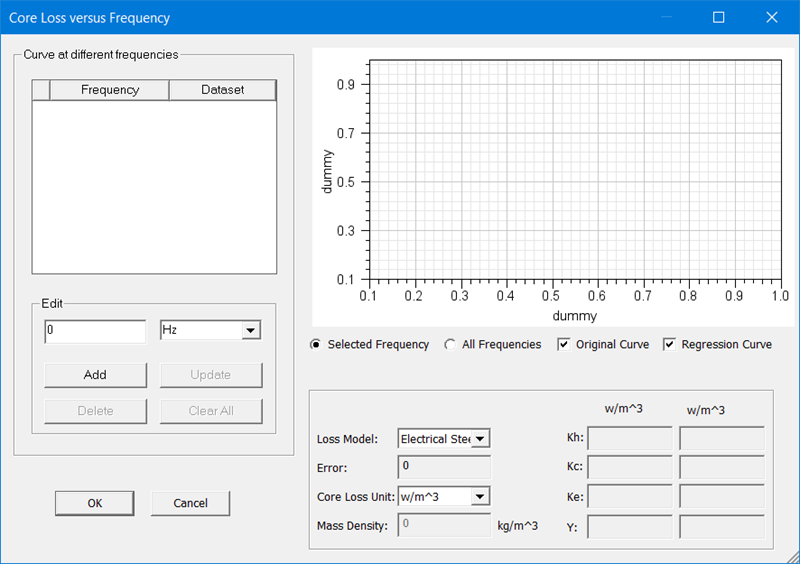
- Using the Edit area, Add frequency points at which a dataset is available for the Core Loss.
- For each Dataset added, click the Edit Dataset button to launch the Edit Dataset dialog box.
- Add Dataset information for the frequency by manually entering the data or importing the data from a table. Click OK to accept the dataset and return to the Core Loss versus Frequency window. Continue adding dataset information until all frequencies have datasets defined.
- Click OK when all frequencies have valid data to complete the core loss calculation and return to the View/Edit Material window.
The Core Loss versus Frequency window appears as shown: