Open the Project
This chapter contains the following topics:
- Launch the Ansys Electronics Desktop
Launch the Ansys Electronics Desktop
A shortcut of the Ansys Electronics Desktop application appears on your desktop once the application is installed.
Set 3D UI Options
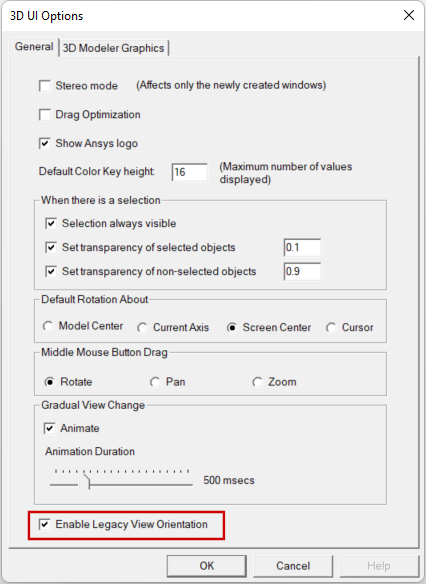
Ensure that the new view orientation scheme introduced in release 2024 R1 is not being used, since the instructions and images in this guide are based on the legacy orientation scheme.
- From the menu bar, click View > Options.
- Ensure that Enable Legacy View Orientation is enabled:
- Click OK.
The 3D UI Options dialog box appears.
Open the Project
- On the Desktop ribbon tab, click
 Open Examples.
 - Double-click the Icepak folder and then the Heat Pipe Model folder.
- Select the file Heat_Pipe_Model.aedt and click Open.
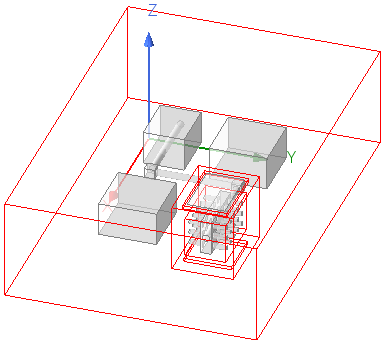
- The model is displayed in the 3D Modeler window.
- From the File menu, select Save As, and save the project in the desired working directory.