
Working with Ansys Electronics Desktop Projects
An Ansys Electronics Desktop project is a folder that includes one or more models, or designs.Each design ultimately includes a geometric model, its boundary conditions and material assignments, and field solution and post-processing information, or a schematic or netlist.
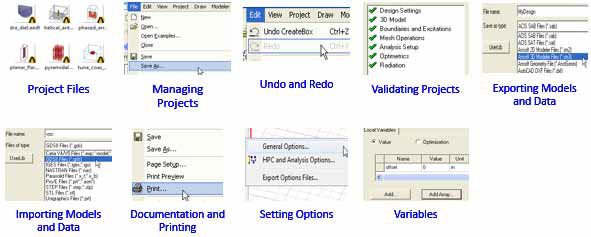
A new project called Projectn is automatically created when the software is launched. By option, a design named Designn is automatically created for a new project. You can also open a new project by clicking File>New. In general, use the File menu commands to manage projects. If you move or change the names of files without using these commands, the software may not be able to find information necessary to solve the model.