Approximate Cylinder with Plates
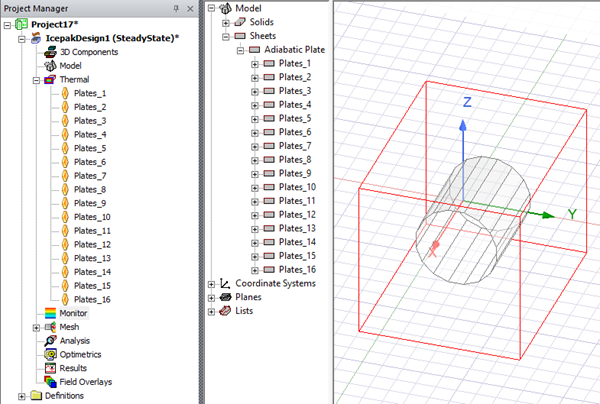
Approximate Cylinder with Plates enables you to create geometry, assign plate boundary conditions, and create a mesh region for a cylinder object.
|
Name |
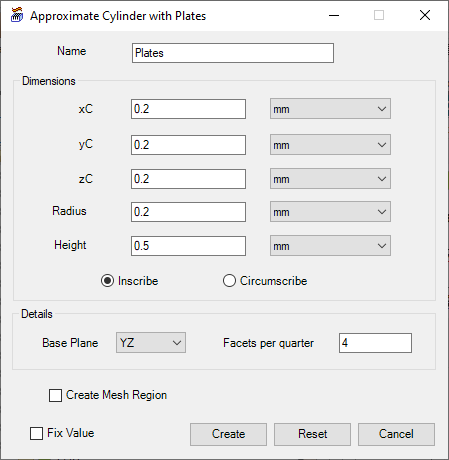
The Name appears in the Project Manager window, history tree, and 3D Modeler window. |
| Dimensions | Under Dimensions, specify the xC, yC, zC lengths to define the object's location (geometric center). Specify the Radius and Height to define the object's size. Select Inscribe to create the cylinder outside the specified circle or Circumscribe to create the cylinder inside the specified circle. |
|
Details |
Under Details, specify which Base Plane the object will exist on and how many Facets it will have. |
| Create Mesh Region | Select Create Mesh Region to create a mesh region around the geometry. |