
Creating and Exporting LPV ROM Files
Modeling with Linear Parameter Varying Reduced Order Models (LPV ROMs) allows you to use a variable to simulate varying flow rates.
Overview of LPV ROM Creation and Export
Create a Steady-State Analysis
- Create a steady-state Icepak design.
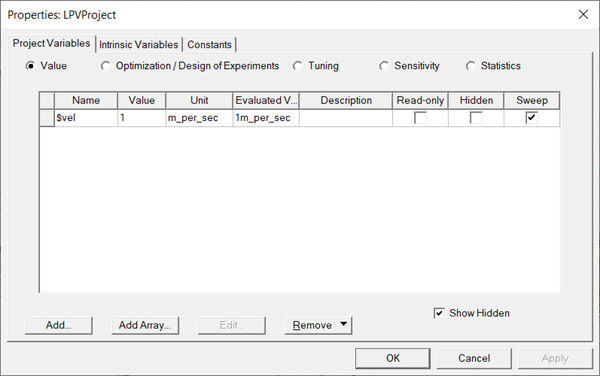
- Create a project variable for velocity (for example, $vel as displayed in the following image).
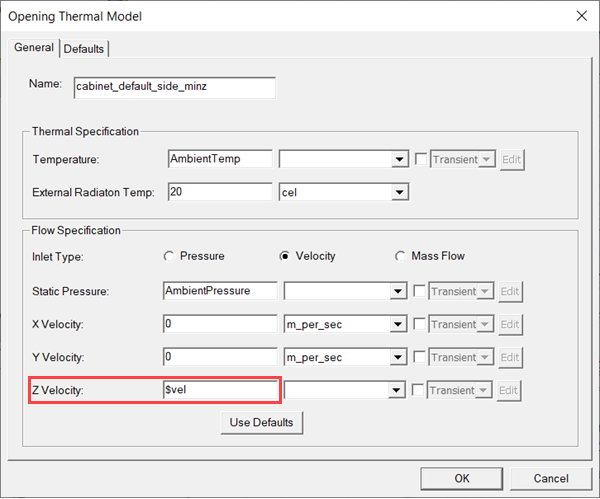
- After assigning boundary conditions, assign the project variable to the opening boundary condition serving as the inlet.
Run a Transient Optimetrics Analysis
- Copy the steady-state design and paste it in the project.
- Change the Solution Type to Transient.
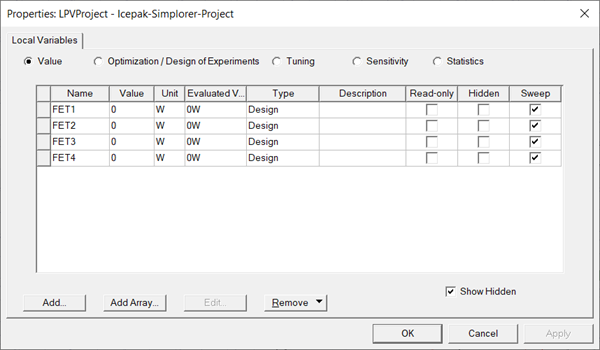
- Define local design variables to be used in the parametric analysis. For example, create variables to be used to define the power for block boundary conditions.
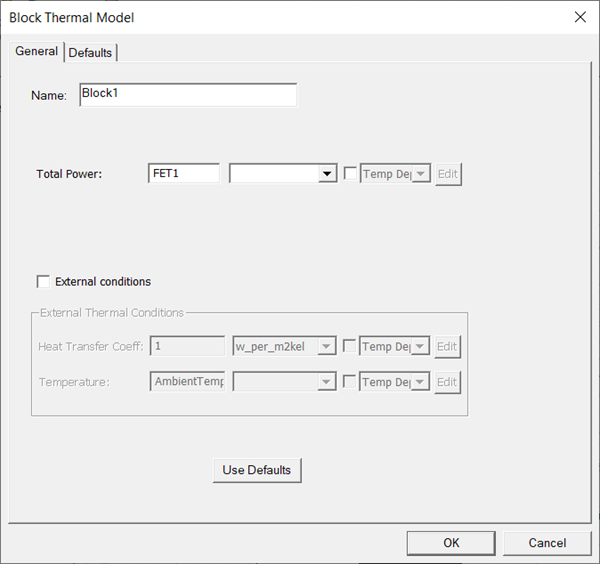
- Assign the design variables to the boundary condition parameters (e.g., block power as displayed in the following image).
- Add a solution setup.
- On the General tab, select LTI ROM Defaults from the solutions setup defaults drop-down list.
- On the Solver Settings tab under Import Options, select Start/Continue from a previously solved setup and click Setup Link.
- In the Setup Link dialog box next to Source Design, deselect Use this design and select the steady-state design in your project.
- On the Variable Mapping tab, click Map Variable by Name to sync the velocity variable in the steady-state and transient designs
- Click OK to close the Setup Link dialog box.
- Click OK in the Icepak Solve Setup dialog box.
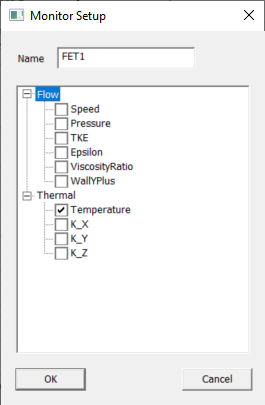
- Create temperature monitor points for each Total Power variable using the same name as the variable. In this example, assign a temperature monitor point named FET1 to the geometry associated with the block boundary condition whose Total Power is defined as FET1. Repeat for FET2, FET3, and FET4.
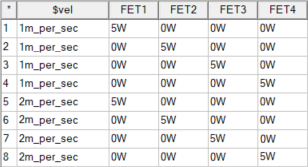
- From Optimetrics, create a parametric setup using all of the variables you've created. Define a nonzero value for the velocity variable. For the power variables, each row in the parametric table should have one variable with the same nonzero value and all other variables with a value of 0. The example below features velocity values of 1 m_per_sec and 2 m_per_sec and a power value of 5W.Note:
The unit for the variables must be consistent with the variable type (e.g., power units for power variables and speed unit for velocity variable). Otherwise, the export will not be performed.
- Analyze the transient parametric setup.
Export LPV ROM
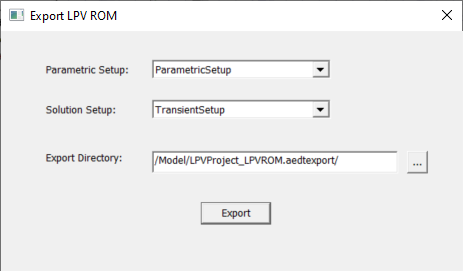
- From the Icepak menu, select Export ROM > LPV ROM.
- Select an Export Directory.
- Click Export to generate the files required for TwinBuilder ROM setup.

|
Click here for scripting information related to this feature. |