
Specifying Varying Time Steps for Transient Solution Setups
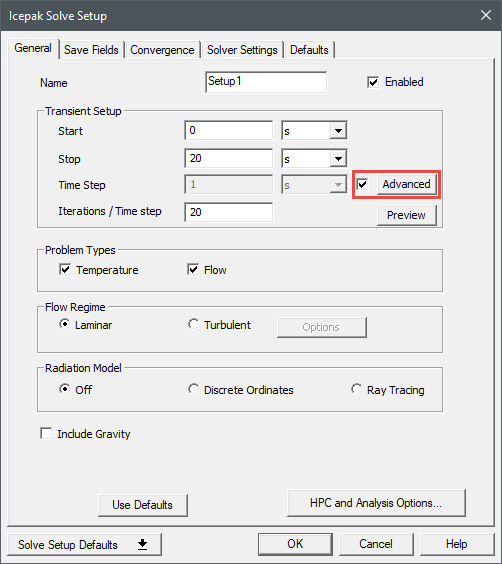
For transient solution setups, you can specify varying time steps using the Advanced Time Variations dialog box.
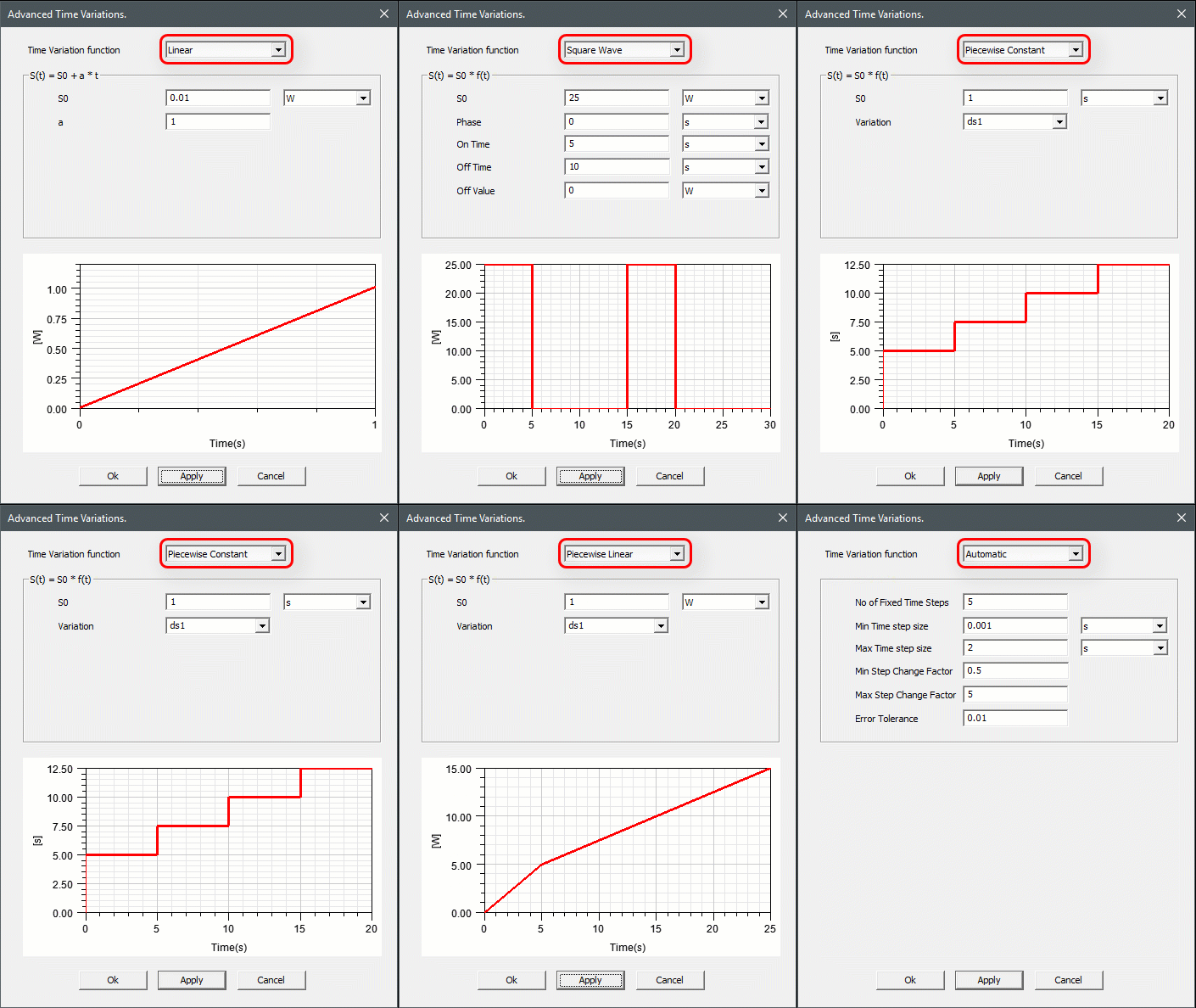
Linear
Linear specifies a linear variation of the time step with time.

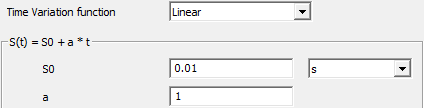
where  is the time,
  is the value of the variable at time
  ,
,  is the value of the variable at
  = 0, and
  is a constant.
Square Wave
Square Wave specifies a square wave profile for the time step variation. If the variation of time step required is regular/periodic with time, then this option can be used instead of the Piecewise Constant option.

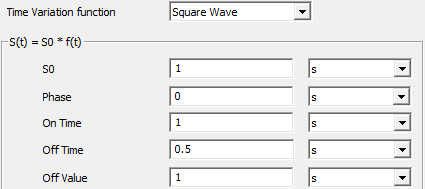
where  is the value of the variable at time
  and
and  is the value of the variable at
  = 0.
= 0.  is a function of time as shown in the following figure.
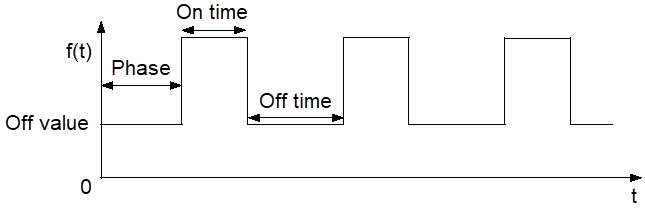
The Phase is the time between  = 0 and the first peak of the square wave. The On Time is the time that the square wave is at its peak value. The Off Time is the time between peak values of the square wave. The Off Value is the value of the square waves between the peaks of the wave. The peak value is the specified value of the transient quantity
Piecewise Constant
Piecewise constant specifies a piecewise constant variation of the time step, which uses a dataset of time/time-step pairs.

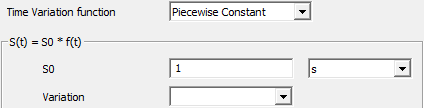
where  is a function of time,
  is the value of the variable at time
  ,
,  is the value of the variable at
  = 0. See Using Datasets to Define Transient Parameters for information on defining
  using the Add Dataset dialog box.
Piecewise Linear

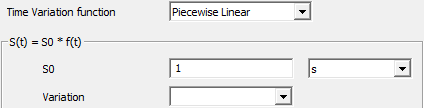
where  is a function of time,
  is the value of the variable at time
  ,
,  is the value of the variable at
  = 0. See Using Datasets to Define Transient Parameters for information on defining
  using the Add Dataset dialog box.