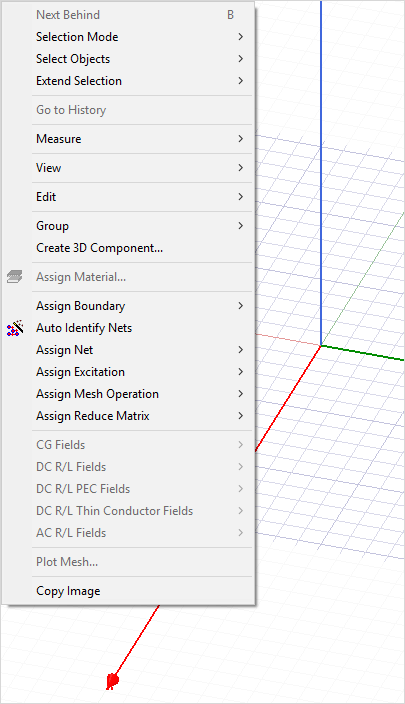
Shortcut Menu in the 3D Modeler Window
Use the shortcut menu in the 3D Modeler window to select, magnify, and move objects (zoom, rotate, etc.); change the view; perform boolean operations; assign materials, boundaries, excitations, or mesh operations to objects; and work with field overlays.
To access the shortcut menu, right-click in the 3D Modeler window.