Working with Variables
A variable is a numerical
value, mathematical
expression, or mathematical
function that can be assigned to a design parameter in
- You expect to change a parameter often.
- You expect to use the same parameter value often.
- You intend to animate a plot against a variable.
Variables can be regular variables, array index variables, or arrays. A project variable’s value can reference other project variables or intrinsics. Values can be a number, variable, or mathematical expression.
There are two types of variables in
|
A project variable can be assigned
to any parameter value in the |
|
|
A design variable can be assigned
to any parameter value in the |
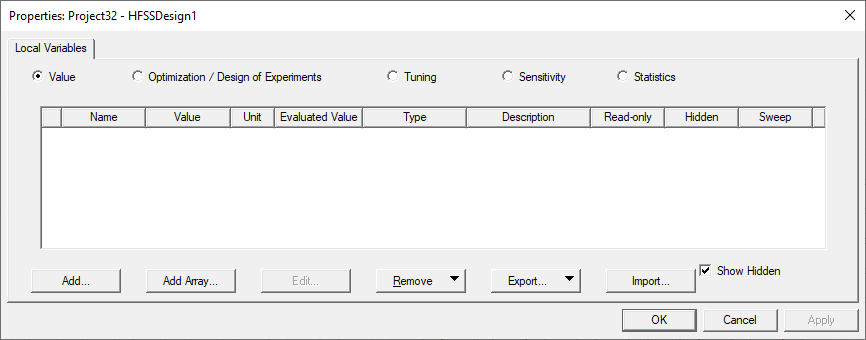
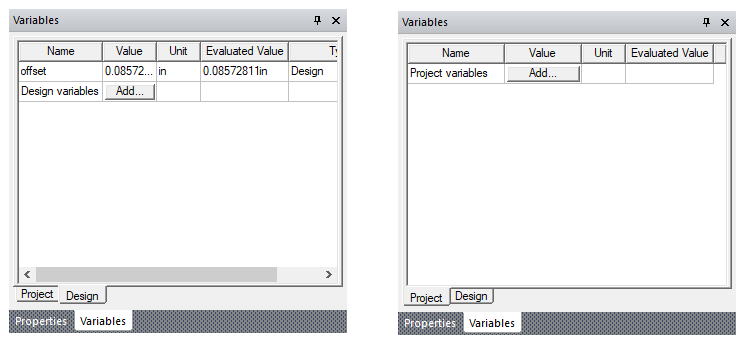
Clicking View > Variables brings up a dockable variable window that is associated with the active project and/or design. When there is an active project, there will be a corresponding project variable tab. When there is an active design, there will be a corresponding design variable tab. Each tab contains an Add... button allowing creation of new variable of this type. If variables exist for the Project or Design, they are shown in the corresponding tab.
Importing and Exporting Variables
Once you have defined Design and/or Project Variables, you can export them to a csv file, and import them to another project or design. If there are naming conflicts on import, these are flagged as errors. The Properties dialogs for Design Variables and Project variables include Import... and Export... buttons.