Viewing Properties of 3D Components in 3D Layout
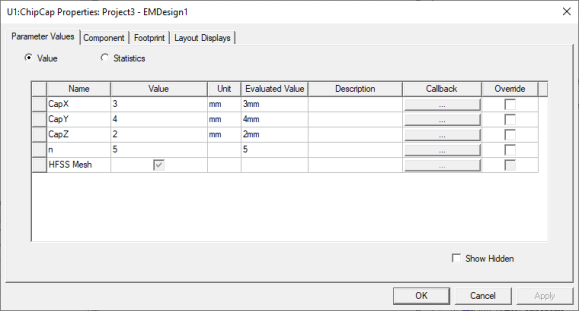
The Properties displayed for a selected 3D component depend on how you select that component. For a complete display of Properties, double click the selected component in the Layout editor. Alternatively, click Edit > Properties using the menu bar. This action displays a window with tabs for all component properties.
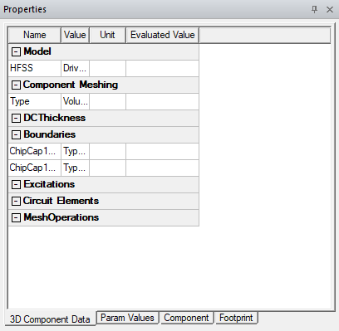
Selecting a 3D component in the Layout editor displays tabs for 3D Component Data, Param Values, Component, and Footprint in the docked Properties window.