
Launching Ansys Electronics Desktop
Once you have installed Ansys Electronics Desktop, start the program using one of the following methods:
- On the Windows desktop, double-click the Ansys Electronics Desktop icon.
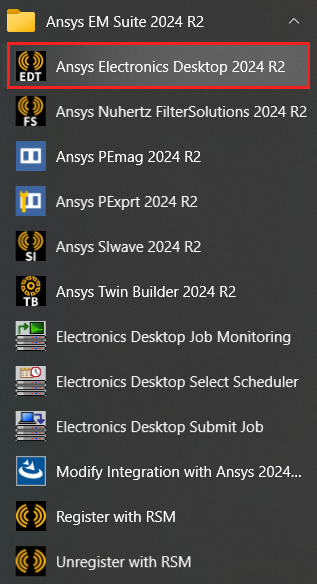
- From the Windows Start menu, select Ansys EM Suite 2024 R2 > Ansys Electronics Desktop 2024 R2.

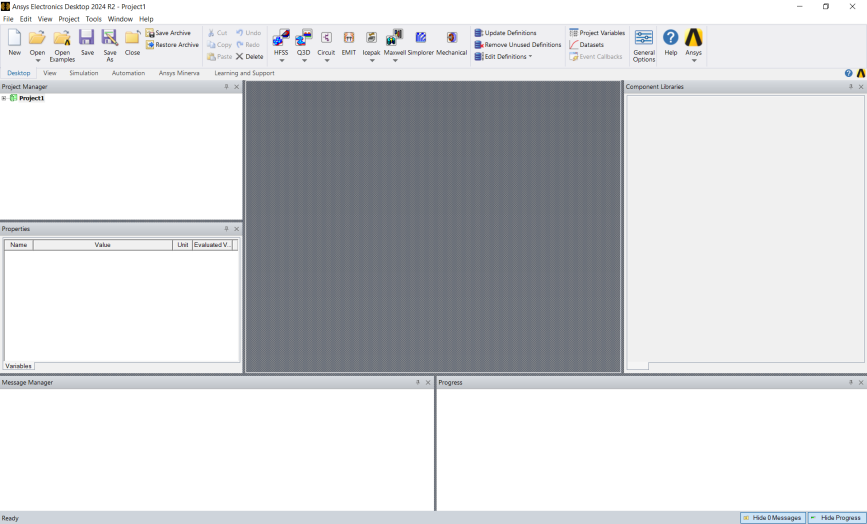
Ansys Electronics Desktop opens.
If the program fails to start, ensure that:
- You have installed the licensing option provided to you. For detailed information on installing the software and licenses, see the Ansys Electronics Installation Guide. If you installed Ansys Electronics Desktop in the C:\ drive of a Windows machine, the installation guide is available at C:\AnsysEM\v242\Win64\Help\.
- Ansys QA Services are not enabled. To disable, change the value of the ENABLE_ANSYS_QA_SERVICES environment variable to 0.