A VerifEye or QuickEye circuit may contain multiple Eye Sources and Eye Probes. Each Eye Probe must be paired with a corresponding Eye Source. The Eye Probe source_name parameter has a drop-down that lists all the Eye Sources in the design.
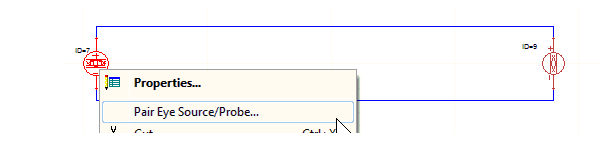
Instead of using the drop-down menu, pair a selected source and probe directly in the schematic. Use Ctrl+click to select the Eye Source and Eye Probe that you want to pair up. With the cursor on either component, right-click and select Pair Eye Source/Probe ... on the menu.
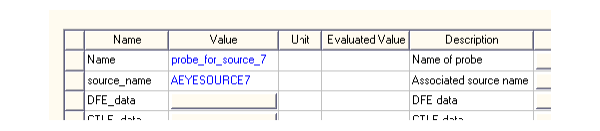
The source_name parameter in the selected Eye Probe is set to the name of the selected Eye Source.
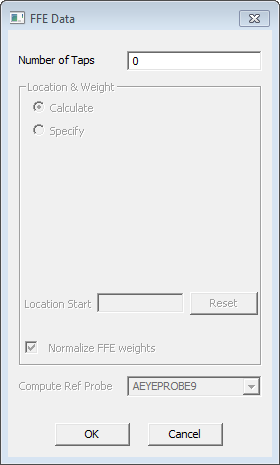
The Compute ref probe field in the FFE setup window for the selected Eye Source is set to the name of the selected Eye probe. The pairing is made whether or not FFE is enabled in the Eye Source.