
Instead of having the solver compute the step response, supply the step response via a data file, using the External Step Response component. First, place Eye Sources and Probes in the circuit. Select the External Step Response on the Independent Sources list on the Components tab:
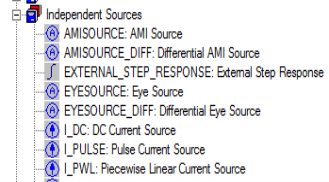
The External Step Response component does not physically connect to the circuit.
Click the component to open the Properties list:

Select the source name and the probe name. The source and probe names appear automatically when they are present in the circuit. Each step response source applies to one source and one probe.
Specify the files that contain the rising and falling step responses by clicking the buttons in the Value field. The same window applies to both files:
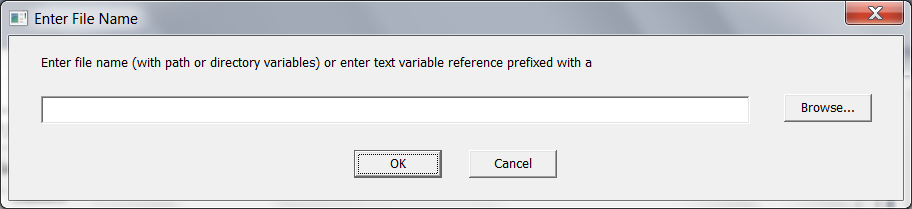
If only one file is supplied, the rise and fall are treated as symmetrical.
The step response data files have a two-column format: time voltage. Linear interpolation is used between time points.