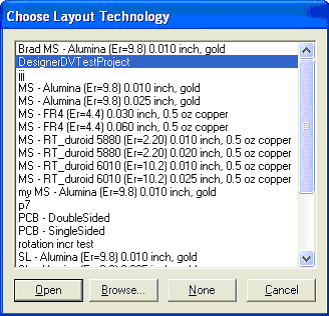
There are two ways that existing DV rule set, run, and script information may be transferred:
- Use Copy/Paste in the Project Tree. Rule sets and runs may be pasted within and between projects. Scripts used by the rule sets are automatically copied.
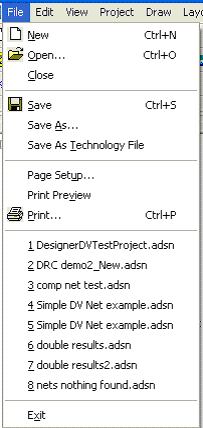
- Choose Save As Technology File on the
File menu.
To re-use a saved technology file when creating a new design, select the technology file when prompted for a file to open. The new design are created with the same rule sets, runs, and scripts as the design used to create the saved technology file. If any of the saved-technology runs used selected or ignored objects, the same configuration are used to set up the new run, but the object count are reset to 0 because the new layout is empty.