
The N-Port Data Source tab is used to name the N-port device and specify the source for the data, typically an external file.
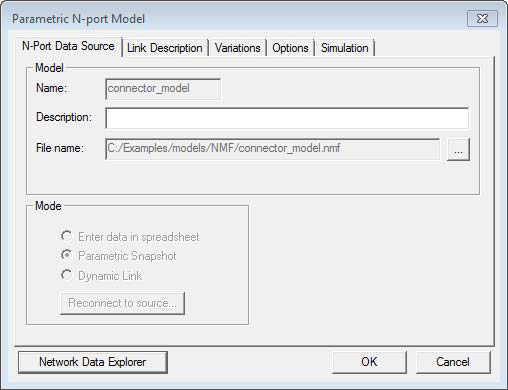
- Name — Displays the name of the imported solution as it appears in the Project Tree.
- Description – Used to set or change the description of the imported solution. To change the description, click in the box , then type the description you want.
- File Name – Displays the file name of the imported solution. To set the file name, click in the box , then type the file name you want, or browse (...) for a file.
- Mode – The network solution data has been copied into the project from an external file as a Parametric Snapshot.
- Network Data Explorer —Allows you to view and manipulate network data by opening theNetwork Data Explorer.
When the N-Port Data Source options have been entered, click OK or select another tab.