
Nport Circuit Elements
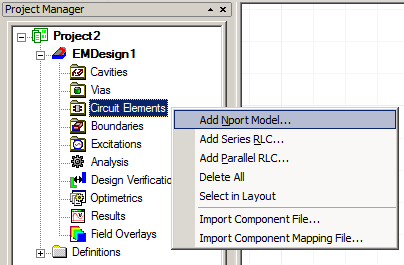
To add an Nport model to a design, right-click Circuit Elements in the Project Manager window and select Add Nport Model.
The Create Model Component window opens in which the component Model can be created or edited, and an additional option controls the reference used to determine port voltages.
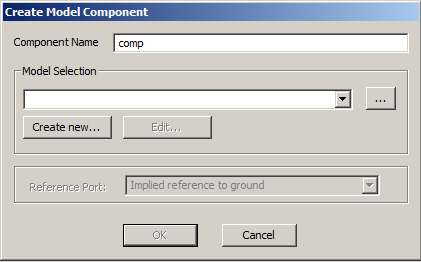
To create a new model, click Create new to open the N-port data window.
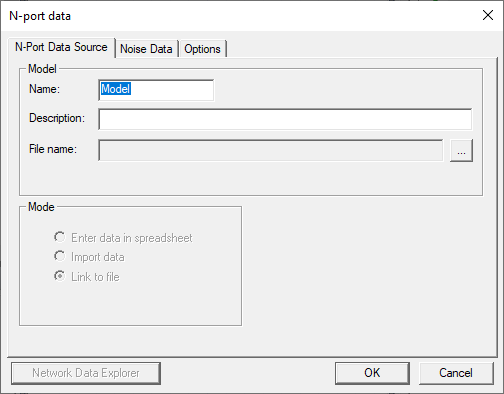
From this window, the component can either be defined by importing or linking to an existing definition in a touchstone file, or by manually entering the S, Y, or Z Matrix entries into a spreadsheet.
Once the model has been created the component can be placed into a design and the ports connected to edges of conductors as was the case for series and parallel RLC elements. There are three cases to consider, based on the type of Reference Port selected in the Create Model Component window. For Implied reference to ground, each of N port connections must be defined.
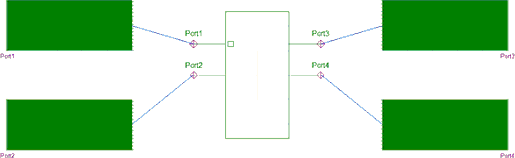
For Show common reference port, an additional connection must be defined representing a common reference for the definition of port voltages.
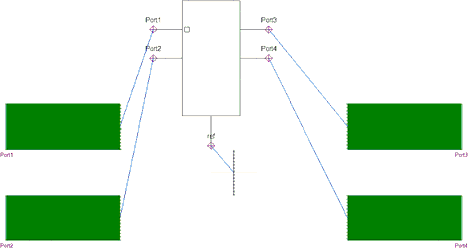
In this case the common reference is an edge in the ground plane. For Add individual reference pin per port, an additional N connections must be defined allowing for a different reference for each port.
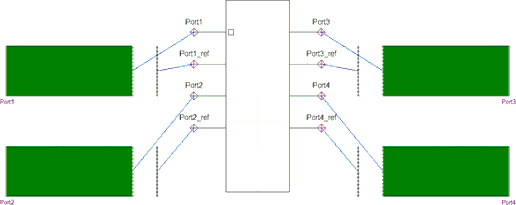
In this case, each port is referenced to a nearby edge in the ground plane.