
Nexxim Solution Options for VerifEye
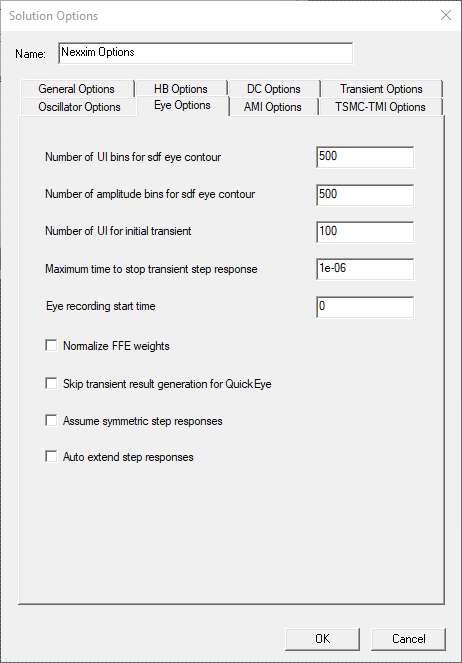
From the Project Manager window, right-click Analysis and select Add Nexxim Solution Options to open the Solution Options window. Select the Eye Options tab.
-
Skip transient result turns off QuickEye storage of the eye diagram and the transient-like result. By default, QuickEye stores the eye diagram and the transient-like result. Option: eye.qe_only_cmf.
-
Assume symmetric step responses sets QE/VE to use the rise time as the fall time. The default is to use different rise and fall times. Option: eye.sym_step_resp.
-
Auto extend step responses extends the step response beyond the simulation time. By default, the step response is extended only to the end of simulation time. Option: eye.auto_extend_step_resp.
For more information, see Circuit Time Domain Analyses: VerifEye and Quick Eye Analysis Options.