Lossy Dielectrics Tab
From the Project Manager window, right-click on a design and select Design Settings to open the Design Settings window and click the Lossy Dielectrics tab.
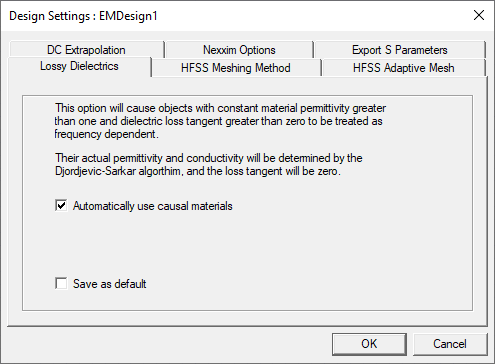
- Automatically use causal materials causes some objects to be treated as frequency dependent.
- Select Save as default and click OK to save the causal material setting to the registry.
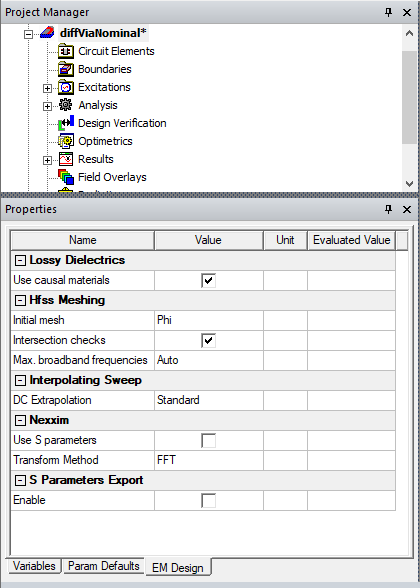
Also view and edit design settings by selecting a design using the EM Design tab of the Properties window.