
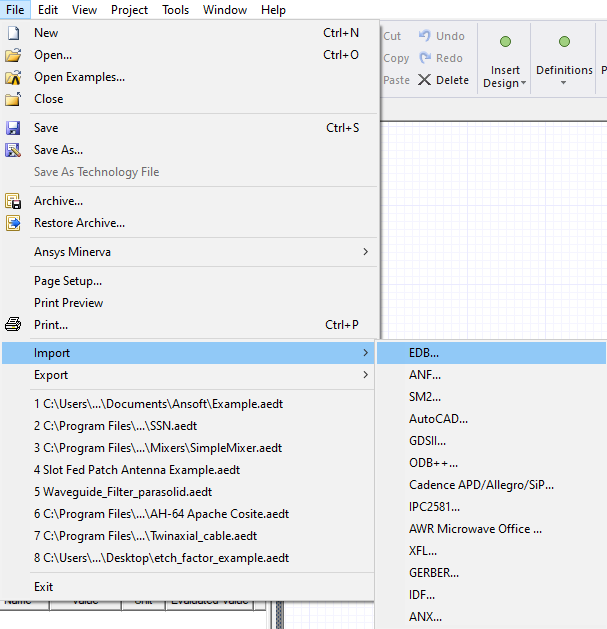
Complete these steps to import an EDB file, select File > Import > EDB which brings up a file open window.
-
Select File > Import > EDB to open an explorer window.
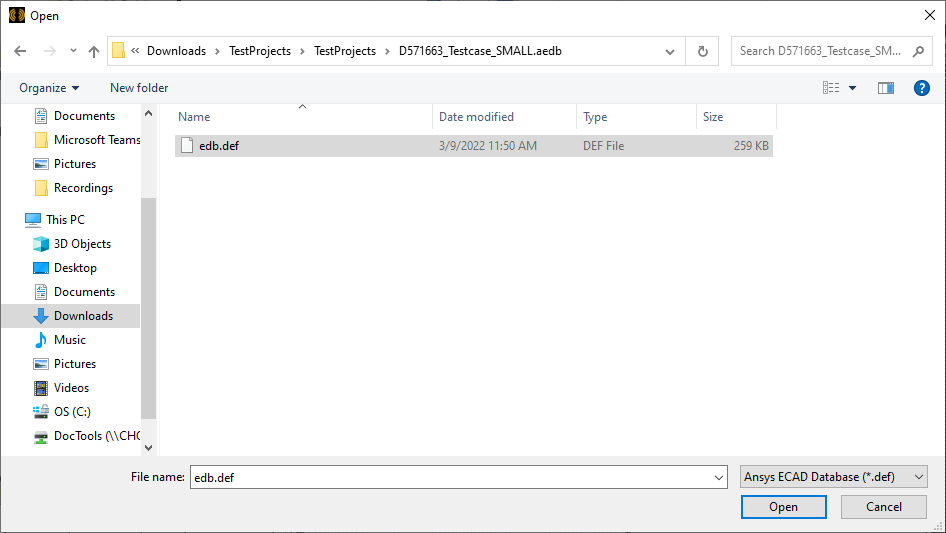
- Browse to and select the chosen <database>edb.def
(i.e., Ansys ECAD Database) file. Then click Open to close the explorer window.
A new project and design are created around the layout data found in the AEDB database.
Note:
If the database is already referenced by another Electronics Desktop project, the two projects share the same database. No synchronization is provided for edits made through the independent projects (e.g., if the ports are deleted through one project, they are invalid in the other project and the behavior are indeterminate).