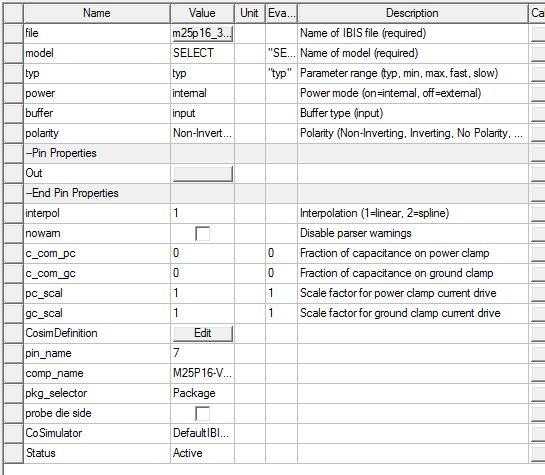
When the import is of an entire IBIS component, clicking Properties opens a Property window like the following:
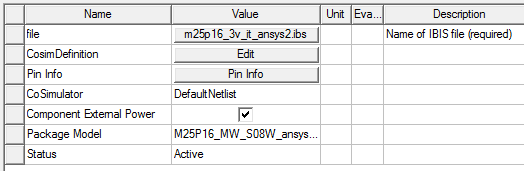
From the Properties window for a single component, click Pin Info to bring up a window listing all the pins and the pin properties:
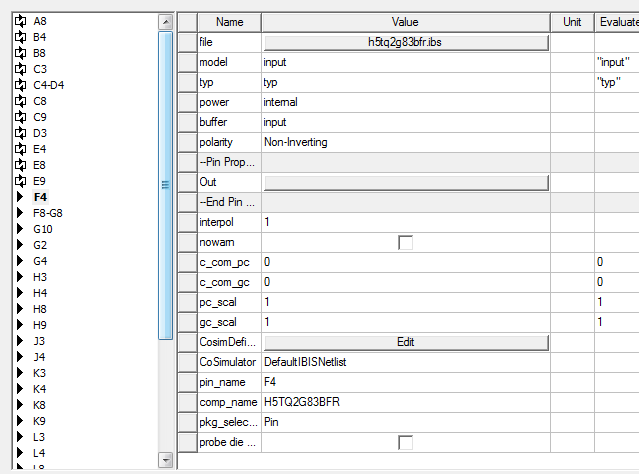
The area on the left lists all the pins in the component, with icons representing the buffer type. When you select one or more pins, the properties that apply to the selected pins are listed in the area on the right. The Properties window lists differential pin pairs (e.g., C4-D4), but the symbol shows separate terminals for both pins of a differential pair.
For a single pin or buffer model, all properties are on one page: