
To view or change the configuration of the N-Port model, right-click the component and select Edit Model on the menu. The N-port data window opens on its N-Port Data Source tab.
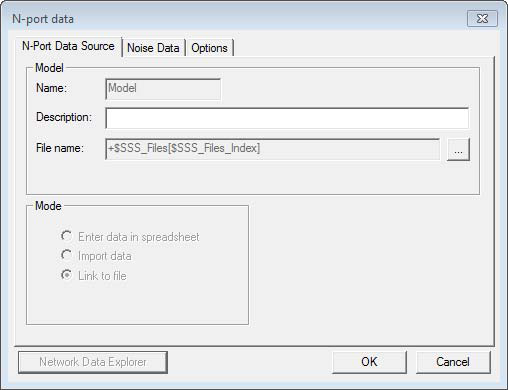
The File name field are populated with the new text array variable expression.
See Editing a State Space Model for details on the Noise Data and Options tabs.