Distributed Machine Configurations for SIwave in HFSS 3D Layout
To create a new distributed machine configuration, or edit an existing machine configuration.
-
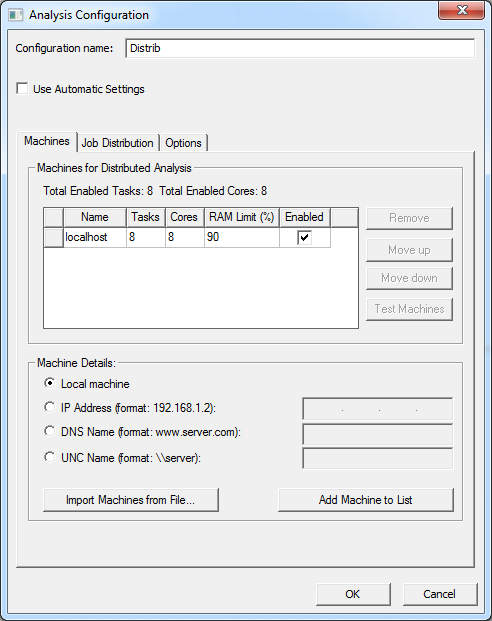
Click Tools > Edit Active Analysis Configuration to open the Analysis Configuration window directly or click the Analysis settings icon on the Toolbar.
Job Distribution Tab
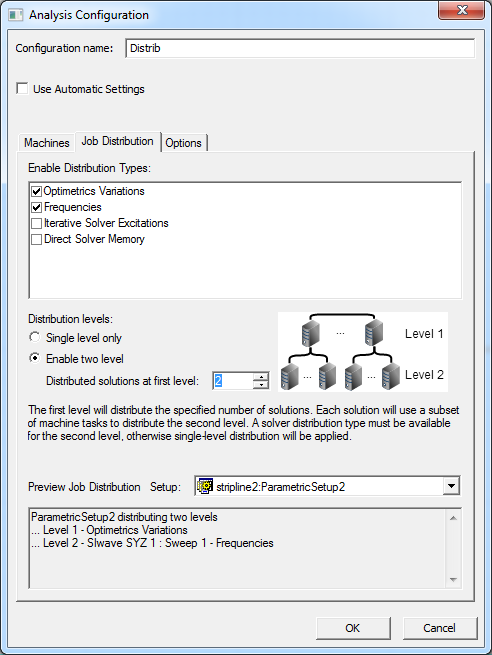
When Level 2 is enabled for SIwave parametric setups, the first level distributes variations and the second level (SIwave solver) distributes frequencies.