
DC Extrapolation Tab
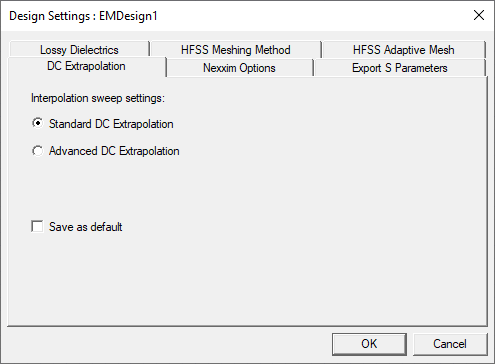
From the Project Manager window, right-click on a design and select Design Settings to open the Design Settings window and click the DC Extrapolation tab.
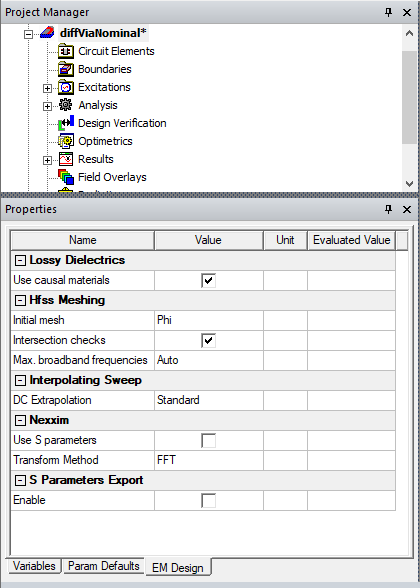
Also view and edit design settings by selecting a design using the EM Design tab of the Properties window.
- Standard DC Extrapolation causes the software to compute values automatically and hides the DC Extrapolation tab in the Interpolating Sweep setup.
- Advanced DC Extrapolation allows users to set a Minimum Solved Frequency.
- Select Save as default and click OK to save these setting to the registry.
Important:
Selecting Advanced DC Extrapolation is not recommended by Ansys and exists to support legacy functions. Selecting Advanced DC Extrapolation may have unexpected results.