Integrating Ansys Electromagnetics Products with Ansys Workbench
After installation, you can integrate Ansys Electromagnetics products with Ansys Workbench:
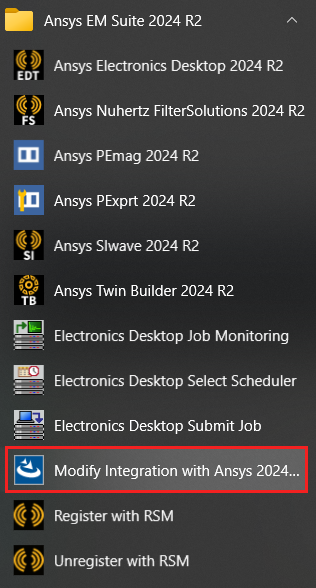
- From the Start menu, select Ansys EM Suite 2024 R2 > Modify Integration with Ansys...
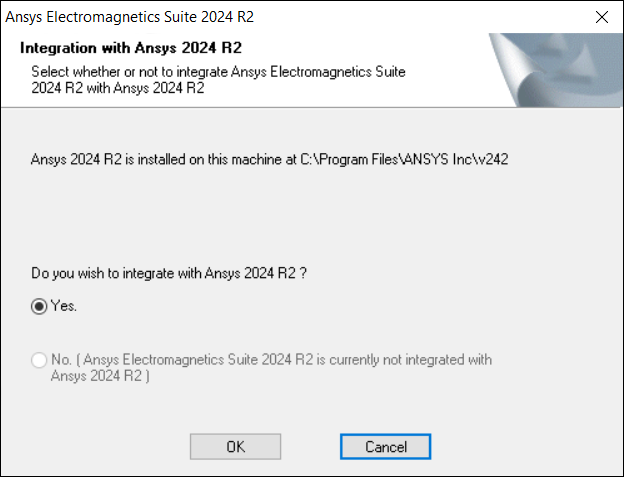
- When the Integration with Ansys step displays, ensure that the Yes radio button is selected.
- Click OK to complete the integration process.
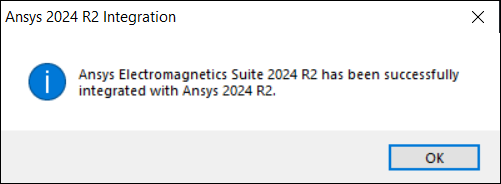
An alert appears, indicating success.
You can confirm that Ansys 2024 R2 is aware of Ansys Electromagnetics via Ansys Workbench. From Workbench, click Tools > Options to open the Options window. If Ansys EM is detected, the Electromagnetics tab shows the path to the integrated Ansys EM application. From this tab, you can also specify Workbench's default journal recording language; changes applied here apply to any new Ansys Electronics Desktop launch after the change. Any open instance will continue recording in the language that was in effect when it was launched.
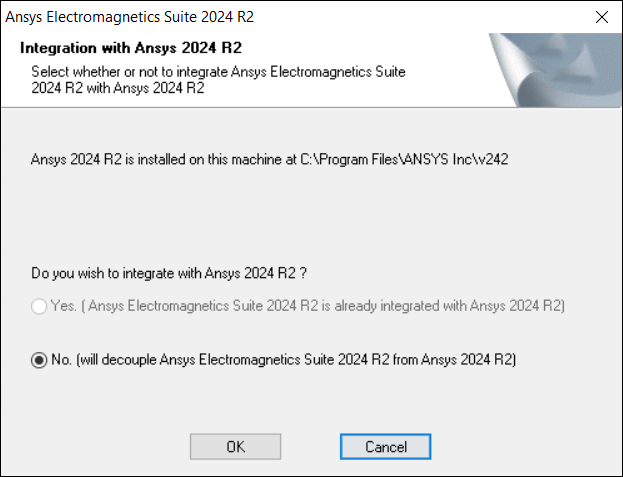
To decouple Ansys EM Suite from Ansys 2024 R2, follow the same steps and select No.