
Working with Design Notes
You can save design notes, such as information about the creation date or a description of the device being modeled. This is useful for keeping a running log.
To add notes:
- Click
The Design Notes window appears.
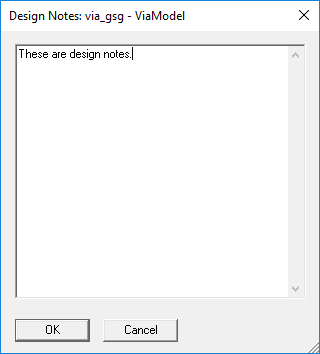
- Click in the window and type your notes.
- Click OK to save the notes with the current project.
To edit notes, use the same window or double-click the Notes icon ( ) in the Project Tree.
To delete the existing notes for a design:
- Select the Notes icon in the Project Tree.
- Click Edit > Delete, or right-click and select Delete.
The Notes icon is removed from the Project Tree.
Note:
Notes are used to document aspects of designs only.
For project-level documentation, you can insert a documentation file into a project with the Project > Insert Documentation File command.