
Updating Design Components
To update components defined in the current design:
- Click Tools > Project Tools > Update Definitions.
The Update Definitions dialog box appears.
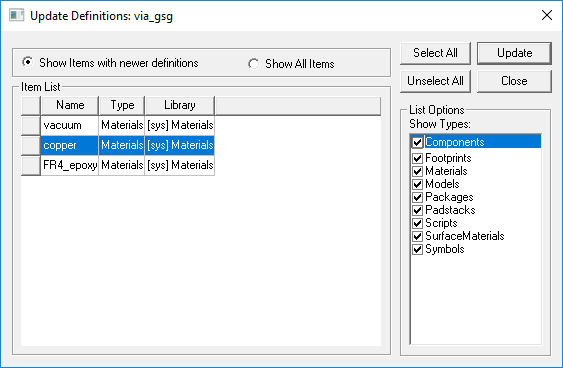
- Select either Show Items with newer definitions or Show All Items.
- From the Show Types list in the List Options section, select the types of definitions you want to show in the Item List.
- Select the item(s) you want to update from the Item List, or use Select All.
- Click Update.
A message appears telling you the update was successful.
- Click OK to close the message.
When you are finished updating definitions, click Close.