
Printing
Electronics Desktop printing commands enable you to send an image of the active window to the printer.
To print the project:
- Click File > Print.
A dialog box similar to the following one appears:
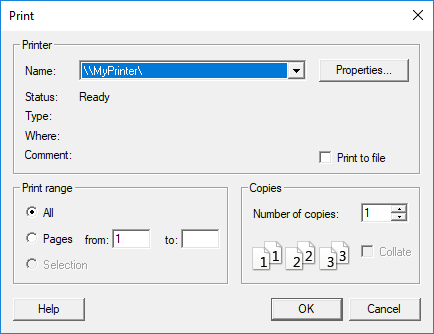
- Print options will vary based on your printer. Specify your desired options.
- Click OK to print.
To change additional print settings, click File > Page Setup.
To preview what your printout will look like, click File > Print Preview.
Important:
To print from Ansys software on Linux, you must first configure a printer from the MainWin control panel.
For more information, consult documentation for your specific instance of Linux.