Use Model Resolution Length
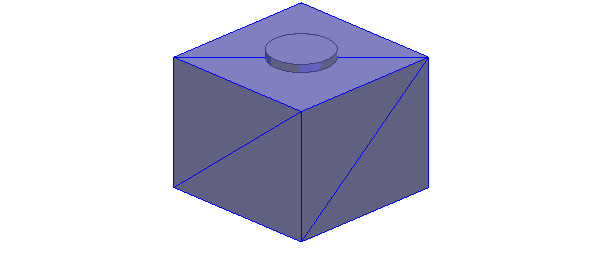
To illustrate model resolution length,
a meshed model of a box that has a small cylindrical object on the top
surface is shown in the following figure.

If you want to exclude the cylinder from meshing, specify an appropriate value for Model Resolution Length such that it is greater than the height of the box. To assign Model Resolution follow these steps:
- Press Ctrl+A to select the whole model.
- Right-click Mesh
Operations > Assign
> Model Resolution.
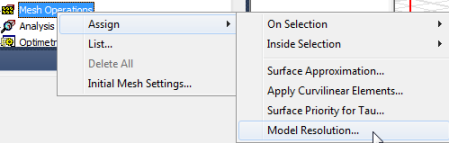
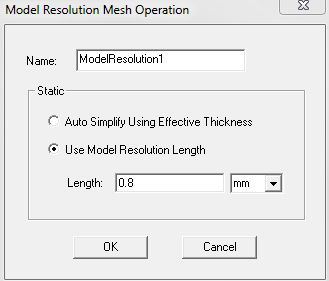
The Model Resolution Mesh Operation dialog box appears.
- Set the value of the length greater than
the box height and click OK. In
this case it is 0.8mm.
The
meshed model excluding the cylinder looks as shown in the following figure.