
Working with the Project Tree
The project tree is located in the Project Manager window and contains details about all open Ansys Electronics Desktop projects, as shown below:
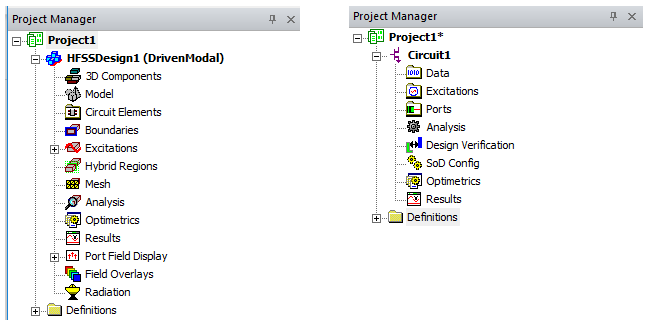
The top node listed in the project tree is the project name. It is named Projectn by default, where n represents the order in which the project was added to the current session of Ansys Electronics Desktop. Expand the project icon to view all the project's design information, material definitions, and 3D Components (if any).
By default, the Project tree icon for the active window is highlighted. See General Options: Miscellaneous for options.