
List
The Design List window lists the objects in the Layout window, nets used in that window, net classes, and extended nets. Select Layout > List on the menu bar to open it.
Layout Tab
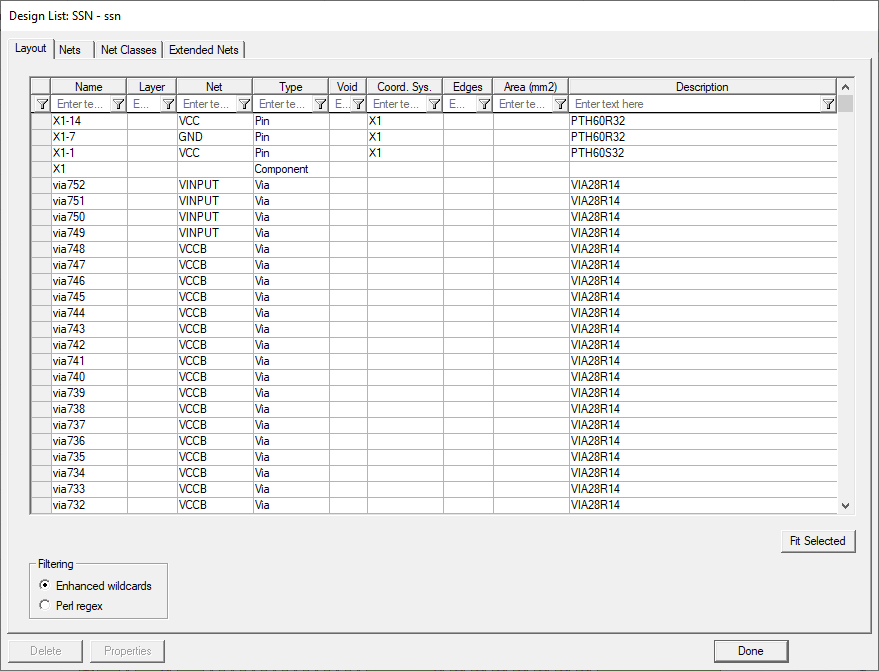
This tab lists layout objects with descriptive information. On this tab, you can:
- Sort each column by clicking on its title. Click again to reverse the order of the sort.
- Filter a column by selecting the type of filtering you want in the Filtering area , then entering a search string in the editable cell underneath the column's title:
- Enhanced wildcards uses the wildcard symbols * and ? to select which objects appear in the list. You can use pattern matching to search a column:
*
matches any number of characters. For example, net* selects objects net_1a, net_1b, netLength.
?
matches any one character. For example, net_? selects objects net_1, net_2, net_a, net_b.
- Perl regex matches a pattern using Perl Regular Expression. You can use pattern matching to search a column:
.*
matches any character zero or more times. For example, net.* selects objects net_1a, net_1b, netLength.
.?
matches any character one or zero times. For example, net_.? selects objects net_1, net_2, net_a, net_b.
- Click a row to select its corresponding object in the layout. click Shift or Ctrl to select multiple rows.
- Click Fit Select to focus the Layout window on your selected object.
- Click Properties to change the properties of selected objects.
- Click Delete to remove selected objects on the layout. Warning: there is no confirmation.
Nets Tab
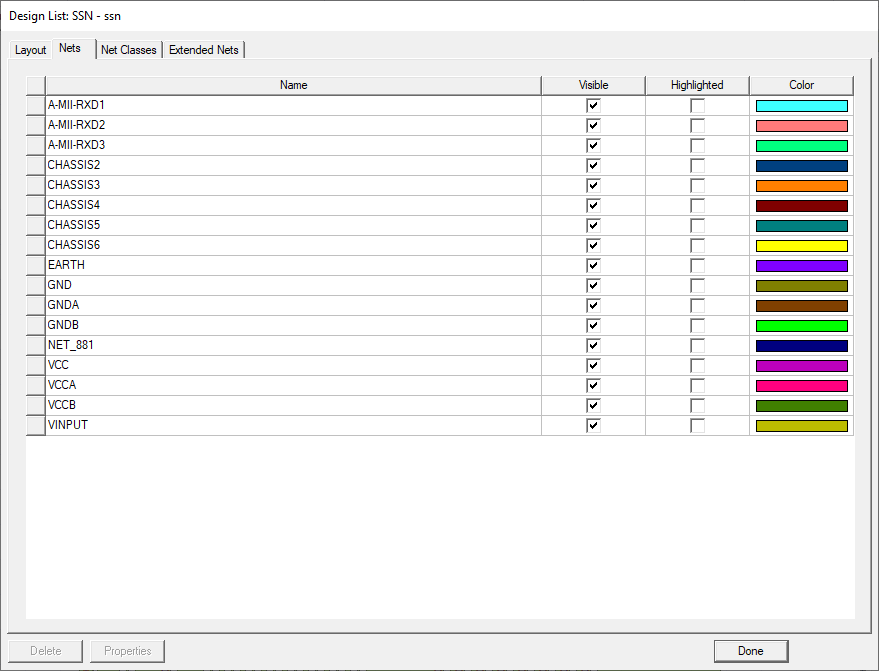
This tab lists all the nets in the layout. On this tab, you can:
- Show or hide a net by checking or clearing its row's Visible check box.
- Highlight the objects in a net by clicking its row's Highlighted check box. The objects in that net are drawn in a highlight color. Highlighting is independent of the selection and persists between sessions. Remove highlights from a net's objects on this tab or by selecting a single object in the net and choosing the menu option Layout > Nets > Toggle Net Highlight.
- Identify and change the color of a net. Layouts use color to highlight and distinguish between net, each of which has an assigned color. Double-click a net's Color cell to open the Color window and select a new color.
- Click a row to select all the objects in that net.
- Remove all items from a net by selecting its row and clicking Delete. This does not delete the objects.
- Edit properties common to all elements in a selected net by clicking Properties and using the property editor.
Shift +Ctrl +selecting an object in the Layout Editor selects everything that is in the same net as the object.
Net Classes Tab
The Net Classes tab has a list of net classes and their descriptions:
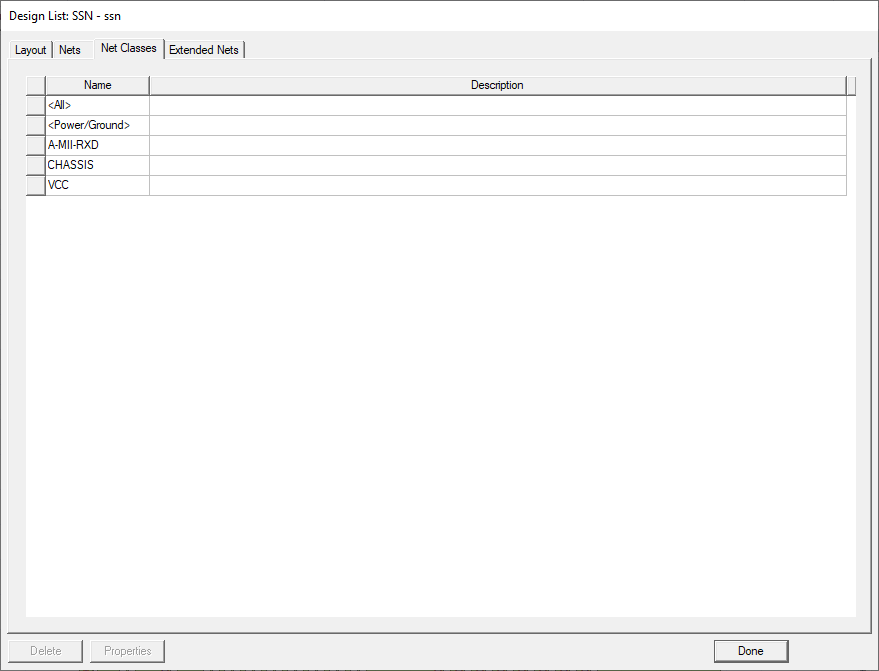
This tab lists all the net classes in the layout. On this tab, you can:
- Click a row to select all the objects in that net.
- Remove all items from a net by selecting it row and clicking Delete. This does not delete the objects.
- Edit properties common to all elements in a selected net by clicking Properties and using the property editor.
Extended Nets Tab
The Extended Nets tab has a list of extended nets and their descriptions:
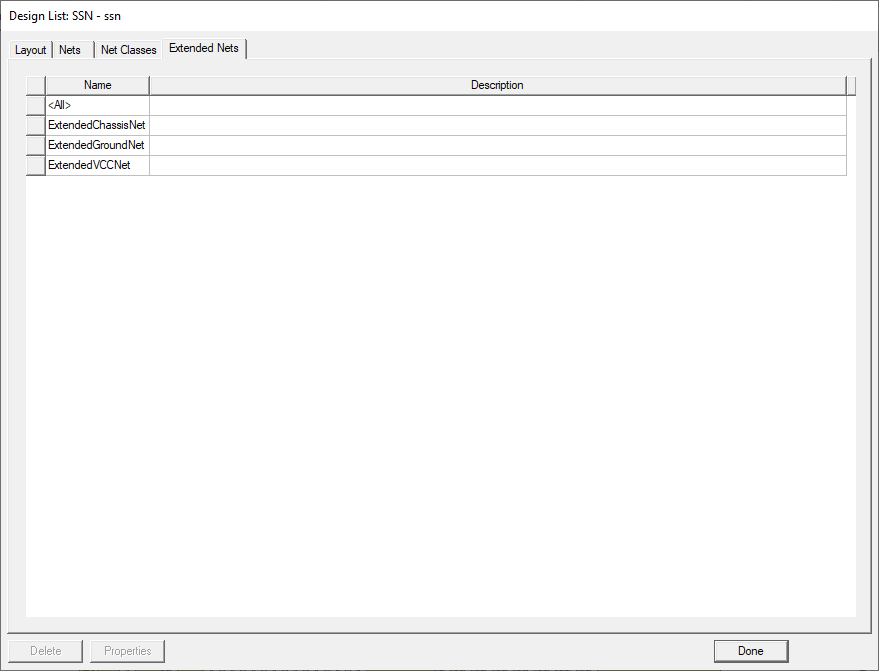
This tab lists all the extended nets in the layout. On this tab, you can:
- Click a row to select all the objects in that extended net.
- Remove all items from an extended net by selecting it row and clicking Delete. This does not delete the objects.
- Edit properties common to all elements in a selected extended net by clicking Properties and using the property editor.