


| Tool Branding | ANSYS has changed its overall tool branding strategy. So release 2019 R1 is the first release that follows this new branding schema. A release will be named using the year of the release plus the major release version number. Patch or update releases will follow the same schema and are named for example 2019 R1.1.
|
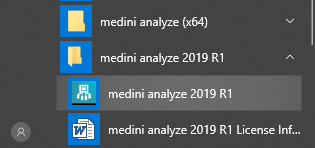
| Side-By-Side-Installation | With 2019 R1, the installation and update behavior of the tool changes. Major versions such as 19.2, 2019 R1 or 2019 R2 can be installed separately and side-by-side on the same computer without interfering with each other. They are treated as different products and thus installations. Service Pack releases (aka Update installations) are done as before - they are updating an existing major version and replacing the previously installed version. For example 19.2.1 replaces 19.2.0, 2019 R1.1 replaces 2019 R1 etc. This new behavior is active with 2019 R1, any version before that still behaves as before. All installations will appear side-by-side in the Windows start menu and can be run in parallel. Note that the default workspace for different major versions will be different as well to support a more smooth migration of old projects.
|