


Basics about Jobs
In Scade One product, jobs are used to describe the calls to batch tools (code generation, model check, simulation and test execution).
What Are Jobs?
A job describes the inputs and the configuration to call a tool. A command line can be generated from the configuration of the job.
A job is contained inside a project: it can use modules inside that project and all its dependencies. You simply set the input module and the root operator; the other modules are automatically added using the dependencies between the modules and the projects.
Types of Jobs
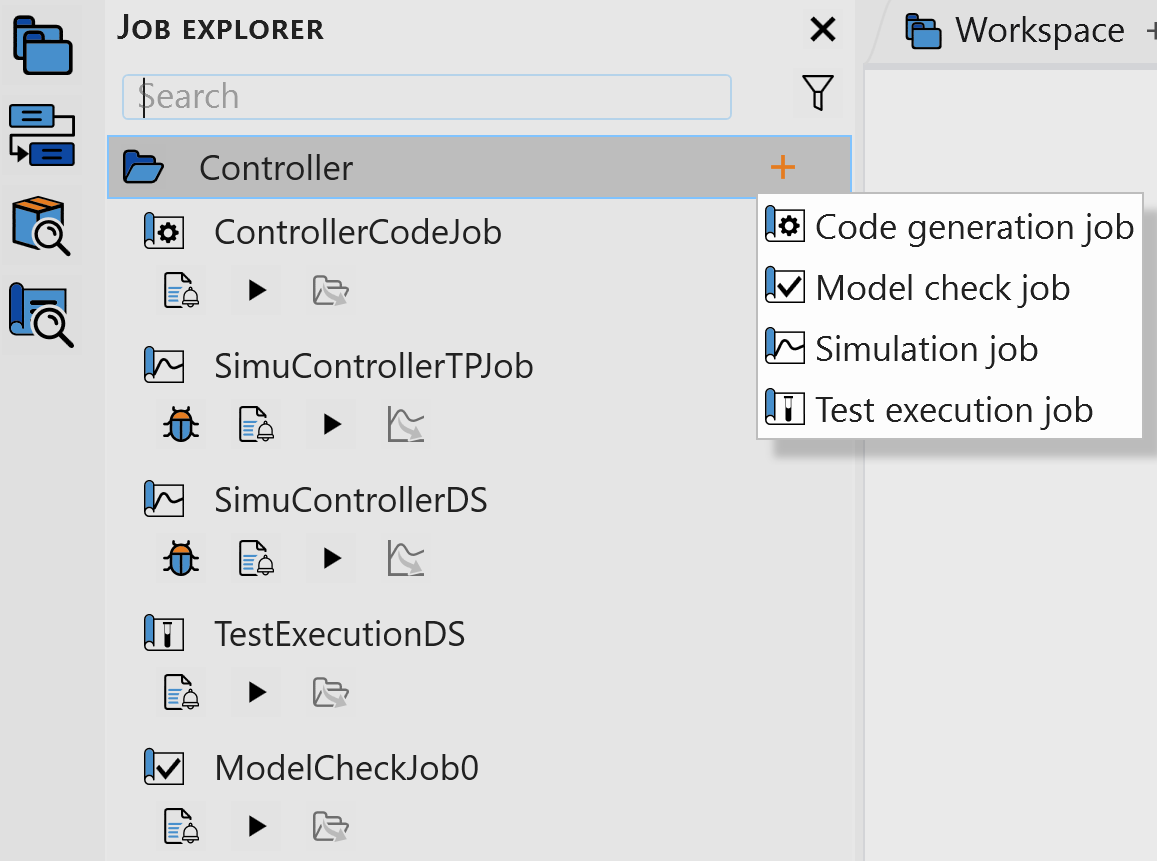
| Job Type | Description | |
|---|---|---|
| Code generation | Generates C code from a model:
| |
| Model check | Checks that a model is correct, without generating code
| |
| Simulation | Non-interactive or debug mode from a test harness:
| |
| Test execution | Non-interactive mode from at least one test harness defining an
oracle or/and an assert
| |