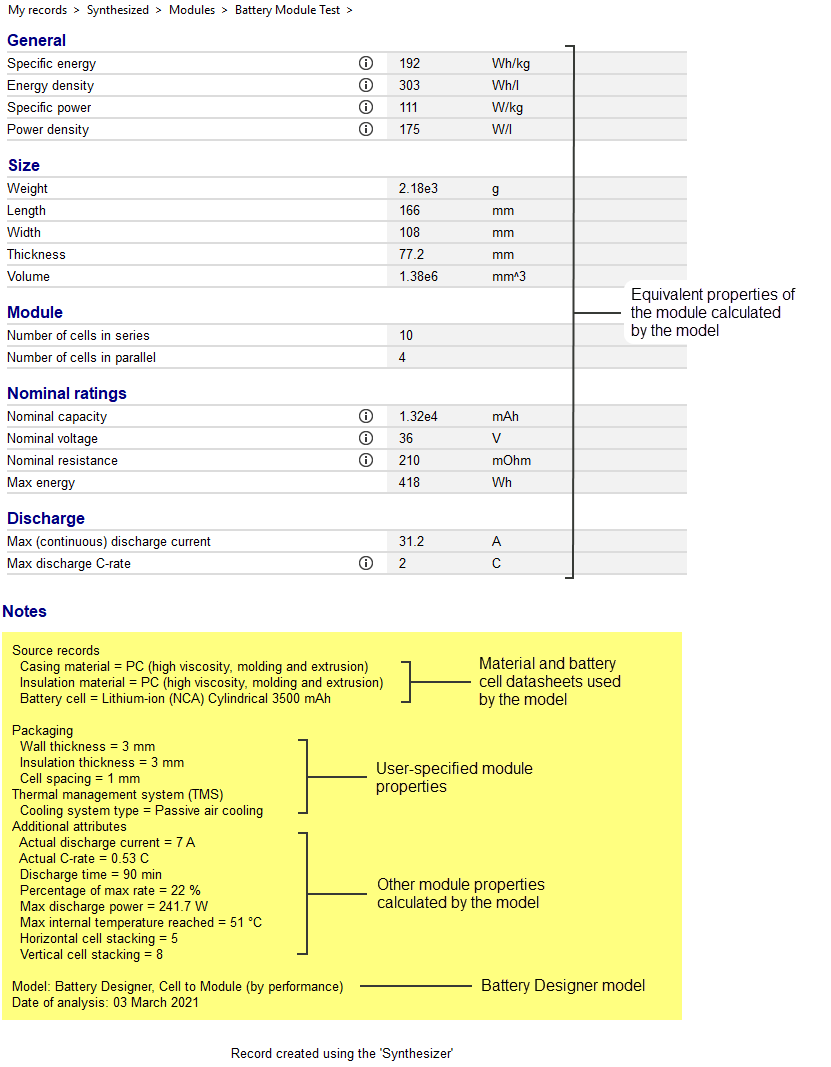
Using Battery Designer
Instructions for using the Synthesizer tool's Battery Designer.
Click Synthesizer on the main toolbar and under Battery Designer, click the required model type:
- Cell to Module (specified by number of cells)
- Cell to Module (specified by performance)
- Module to Pack
Cell to Module models
Specify your required module properties, then click Create to synthesize the Module record(s). The records will be added to the Battery Cells table under .
Click Previous to go back and choose a different model.
Module
Performance (Cell to Module (specified by performance) only)
Number of Cells (Cell to Module (by number of cells) only)
Discharge (Cell to Module (by number of cells) only)
Configuration
Thermal management system (TMS)
Module to Pack model
Pack
Number of Modules
Packaging
-
Select the Custom configuration check box to enter
packaging materials and geometry:
- Click Browse... to select a Casing material and Insulation material.
- Enter the corresponding Wall thickness or Insulation thickness. (Default values are 1 mm for Wall thickness and 5 mm for Insulation thickness.)
- Enter the Module spacing within the Pack (default is 1 mm).