Exercise 2: Find Similar and Nearness Settings
Find Similar is a tool for finding material records that have similar material property values to a given record.
-
Find materials that are similar to it
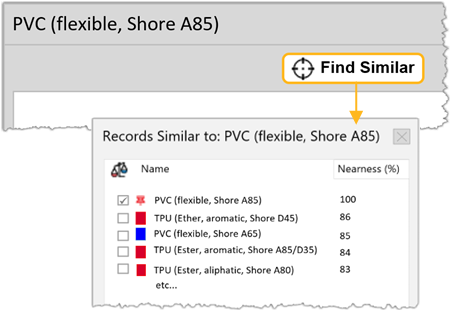
In the toolbar, click Find Similar and confirm changing the reference record, if prompted.
Available materials are ranked by their similarity to the reference material. In this instance, calculations are based on the default nearness criteria for this table.
-
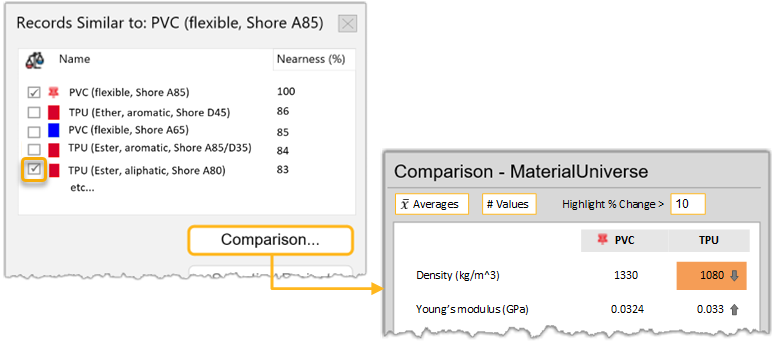
Compare the PVC material you selected with one of the similar materials
listed
In the Records similar to window, select TPU (Ether, aliphatic, Shore A80) then click Comparison. The record is added to the comparison table, with significant differences in the attribute values highlighted.