


How to open the mcre.conf File
On Windows 10 systems, navigate to the following folder in the user's home directory, for example,
C:\Users\<username>\AppData\Roaming\Phoenix Integration\MCRE\Note: In order to locate this directory, the option Show Hidden Files and Folders must be turned on.- On Linux systems, navigate to the following folder:
~/.PhoenixInt/MCRE{Version}/
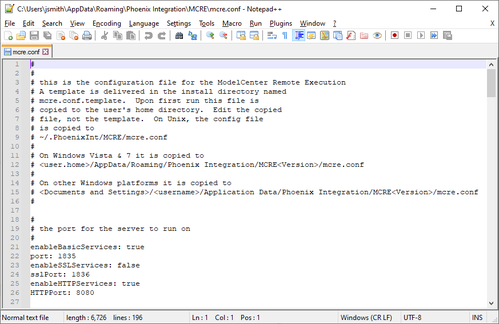
Note: The mcre.conf file is added to the above folders the first time ModelCenter
Remote Execution is launched. If ModelCenter Remote Execution has not been started yet,
the file will not yet be available here.