


Sphere (non-sequential geometry objects)
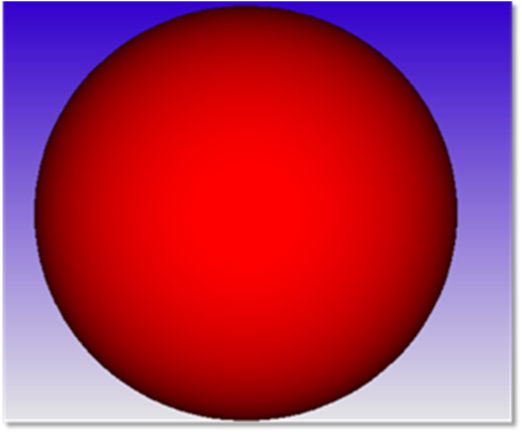
Spheres are defined by two parameters:
| Parameter # | Description | Face Name | Face # |
| 1 | The radius of the sphere. | All Faces | 0 |
| 2 | A flag to indicate if the sphere is a solid volume or a hollow shell. If the "Is Volume?" parameter is zero, then OpticStudio assumes the sphere defines a hollow shell. Rays must either reflect or absorb from such a surface; refraction is not allowed. If the "Is Volume?" parameter is any non-zero value, then OpticStudio assumes the sphere is a closed volume. The volume may be reflecting, refracting, or absorbing. | All Faces | 0 |
This object can be used to model bubbles by placing a sphere within a glass volume and setting the material type to blank (air) or the name of a defined glass which describes a gas.
The reference point is the center of the sphere.
Face Numbers:All faces Face 0.
Next: